Agoda Connectivity Details
Last updated: 12 hours ago (per provided source).
Activation
Prerequisites:
- At least 4 stars and 20 rooms
- Credit card terminal (Agoda pays reservations via credit card).
Process:
- Inquire about the interface in the Hotel Manager.
- On the Agoda site:
- Register as a new customer https://ycs.agoda.com/en-us/SignUp/ (Complete the contract and fill out the Agoda Extranet. Channel Manager can be chosen by you as the Channel Manager)
- or as an existing customer submit your Agoda Hotel ID to our support (the Channel Manager can be set by Agoda Support).
- Once Channel Manager has received the Hotel ID, Channel Manager stores the Agoda ID and you can then link rooms and rates.
Prices
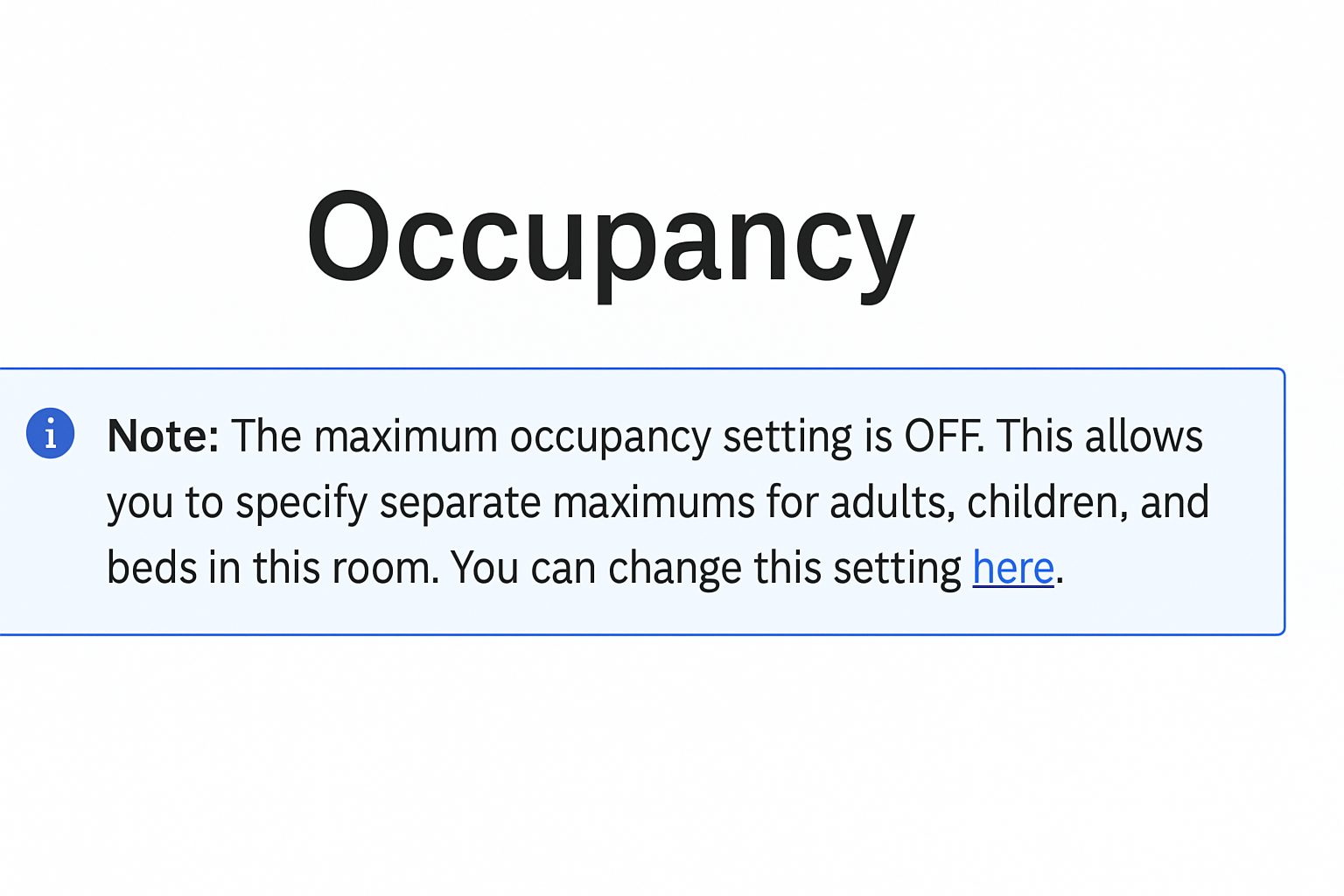
Make sure that no separate values are set for adults. The following message must appear in the room configuration.
- Agoda accepts prices for 1, 2 persons and the maximum occupancy.
- For the transfer to match, Agoda must be set to "full occupancy" and not "extra bed". After saving the mapping, an error with "set extra bed rate" would appear under “Agoda Mapping History” -> then please have Agoda change it to full occupancy.
- The following restrictions are transferred: Minlos, Maxlos, CTA, CTD.
Child Prices: can be defined in the Agoda Extranet. However, it is only possible to specify up to what age infants apply. And from when to when the child age groups apply. Furthermore, it is possible to specify whether children can stay for free or not. Defining prices for children is not possible.
Reservations
No-shows must be reported by the hotel in the Agoda Extranet.